Live monthly frame
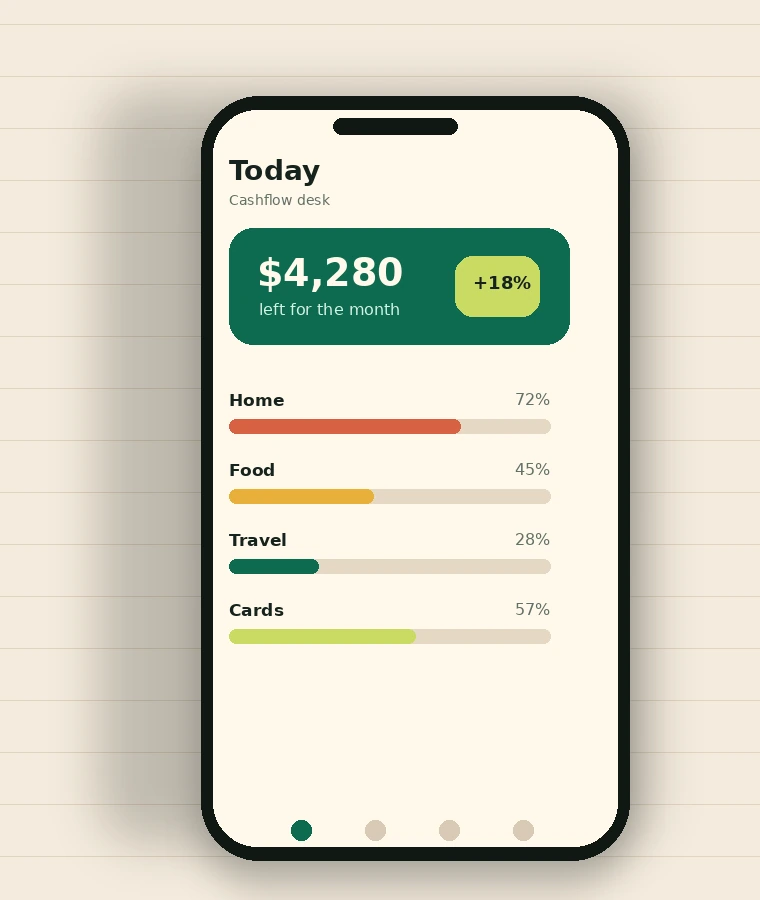
See income, recurring costs, planned savings, and flexible spending in one view. The app separates money that is already spoken for from money you can actually use.
Official mobile app
Arcadia Frame turns scattered transactions into a calm, readable picture of your month. Plan bills, spot spending habits, protect savings goals, and make the next decision before money starts feeling messy.
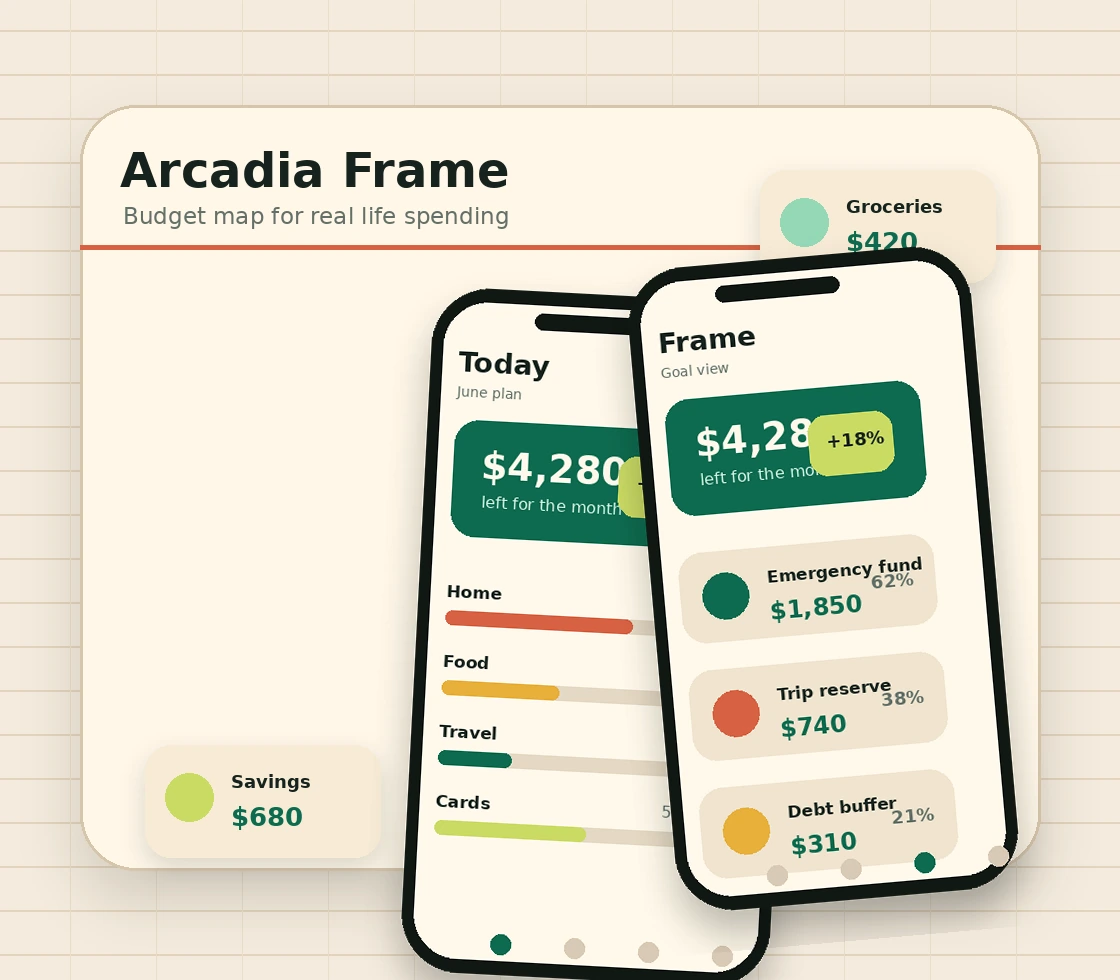
Arcadia Frame keeps the interface focused on the questions people actually ask: what changed, what is safe to spend, and what needs attention before payday.
See income, recurring costs, planned savings, and flexible spending in one view. The app separates money that is already spoken for from money you can actually use.
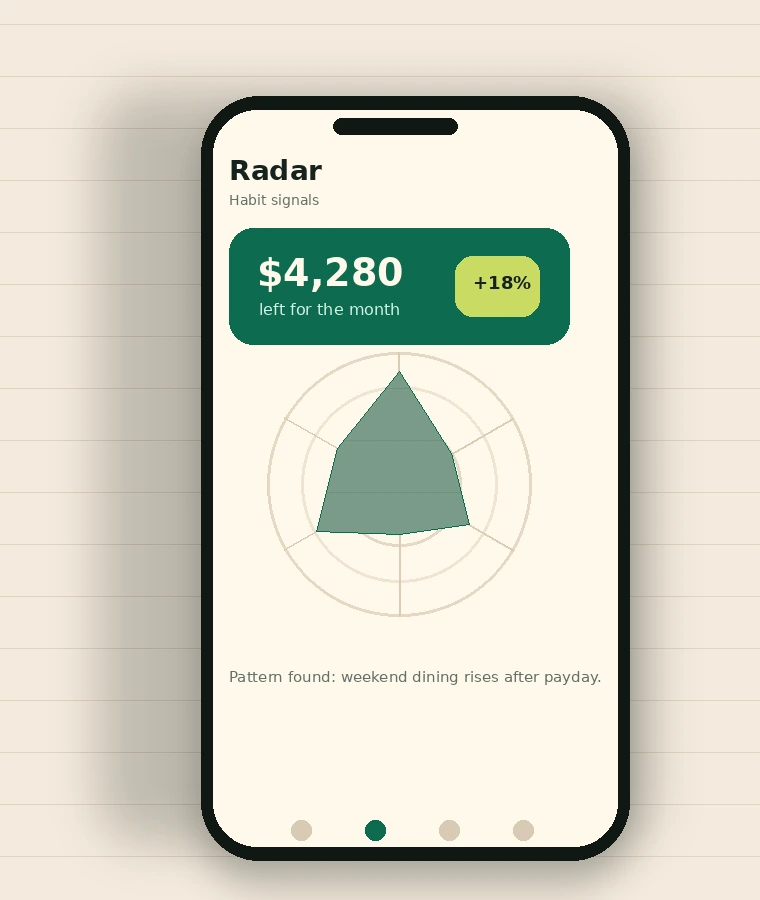
Quiet signals show when a category starts drifting, so small leaks are visible before they become a stressful surprise.
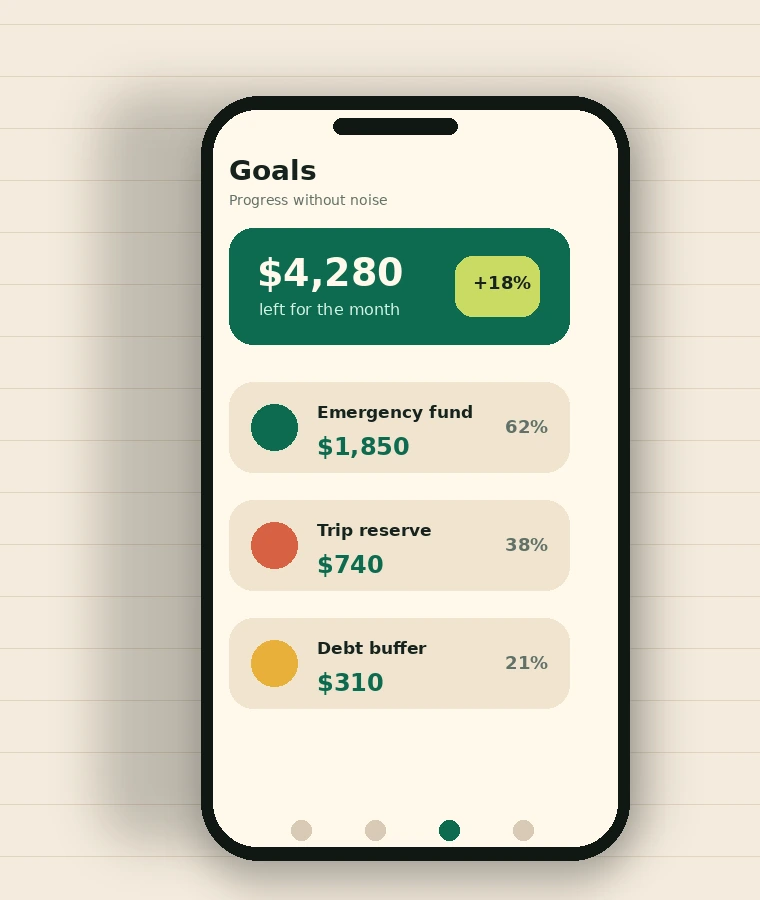
Create separate spaces for trips, emergency funds, debt buffers, or personal projects without losing sight of the full month.
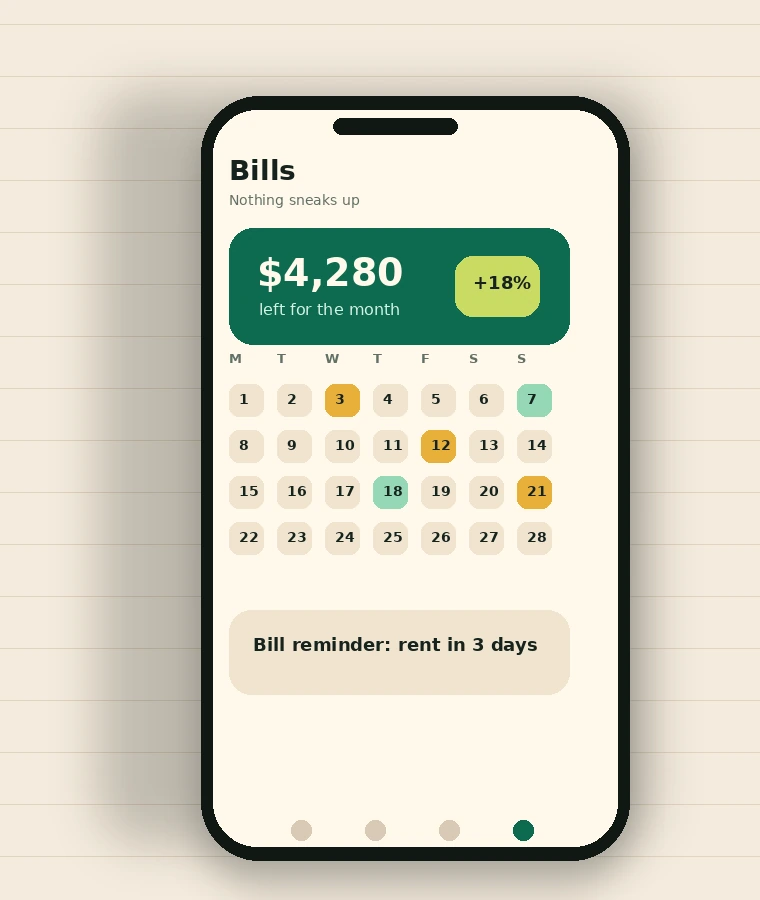
Upcoming payments sit on a simple calendar with gentle reminders, helping you avoid late fees and last-minute account checks.
Use manual entries, offline access, and clear export options. Arcadia Frame is designed for people who want control without turning personal finance into a public performance.
The onboarding avoids finance jargon. It asks for the pieces that matter, builds a starter plan, then lets you adjust the frame as real life happens.
Enter paydays, side income, or any predictable money coming in. Arcadia Frame builds the month around your real rhythm.
Rent, subscriptions, transport, loans, and utilities are placed first, so they stop competing with day-to-day spending.
Choose category ranges that can move with your week. The app shows pressure early without turning every purchase into a lecture.
At the end of each week, get a short summary of what changed, where money went, and what is safe to carry into the next week.
Dashboard, spending radar, goals, and bill reminders work together like a personal finance desk in your pocket.
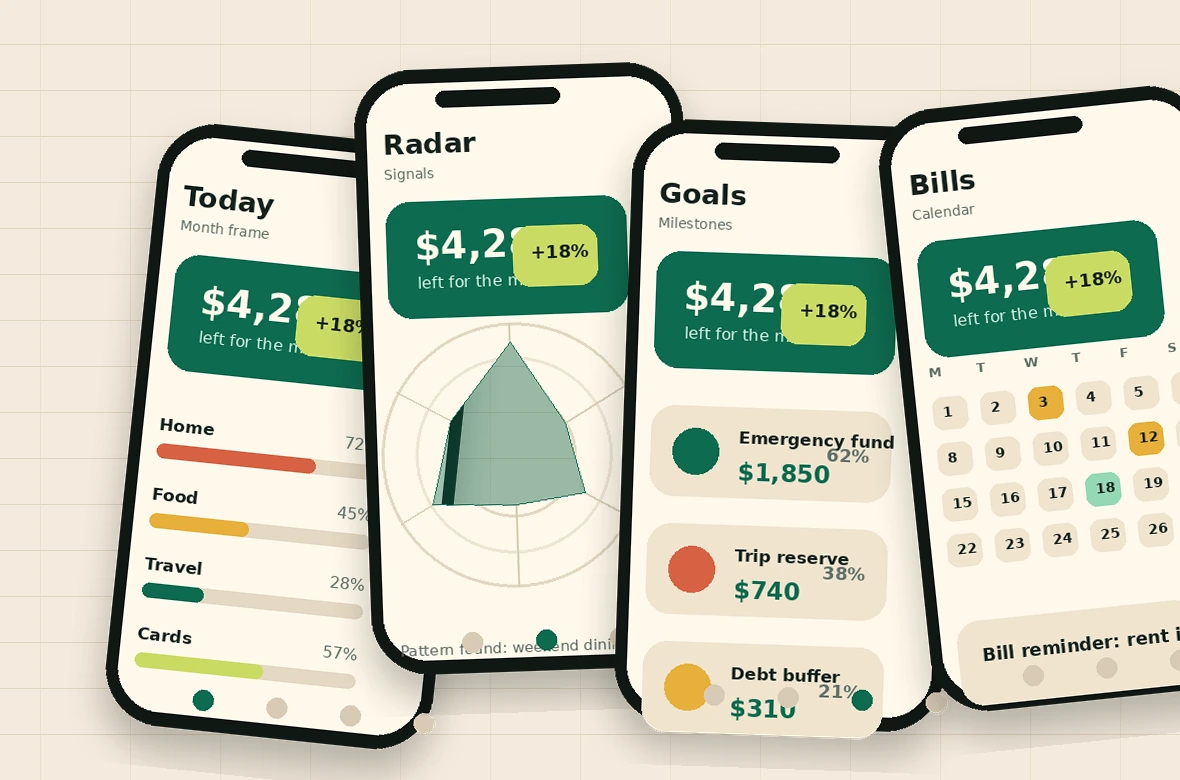
The dashboard shows what remains. The radar explains why it changed. Goals keep savings separate. Bill reminders keep fixed costs visible before they hit.
These voices reflect the kind of practical, everyday wins Arcadia Frame is built for.
“I used to open my banking app, stare at the balance, and still not know what was safe to spend. Arcadia Frame finally separates bills from real spending money.”
“The weekly signal is what made it stick. It tells me what changed without making me feel like I failed because one category went over.”
“Goal pockets are simple, but that is the point. My emergency fund is no longer mixed with vacation money or random weekend spending.”
“I like that it works even when I do not want to connect accounts. Manual tracking sounds old-fashioned, but this app makes it fast enough that I actually keep doing it.”